
Appearance
Skip to content What’s new in 0.3.1 Know your model.
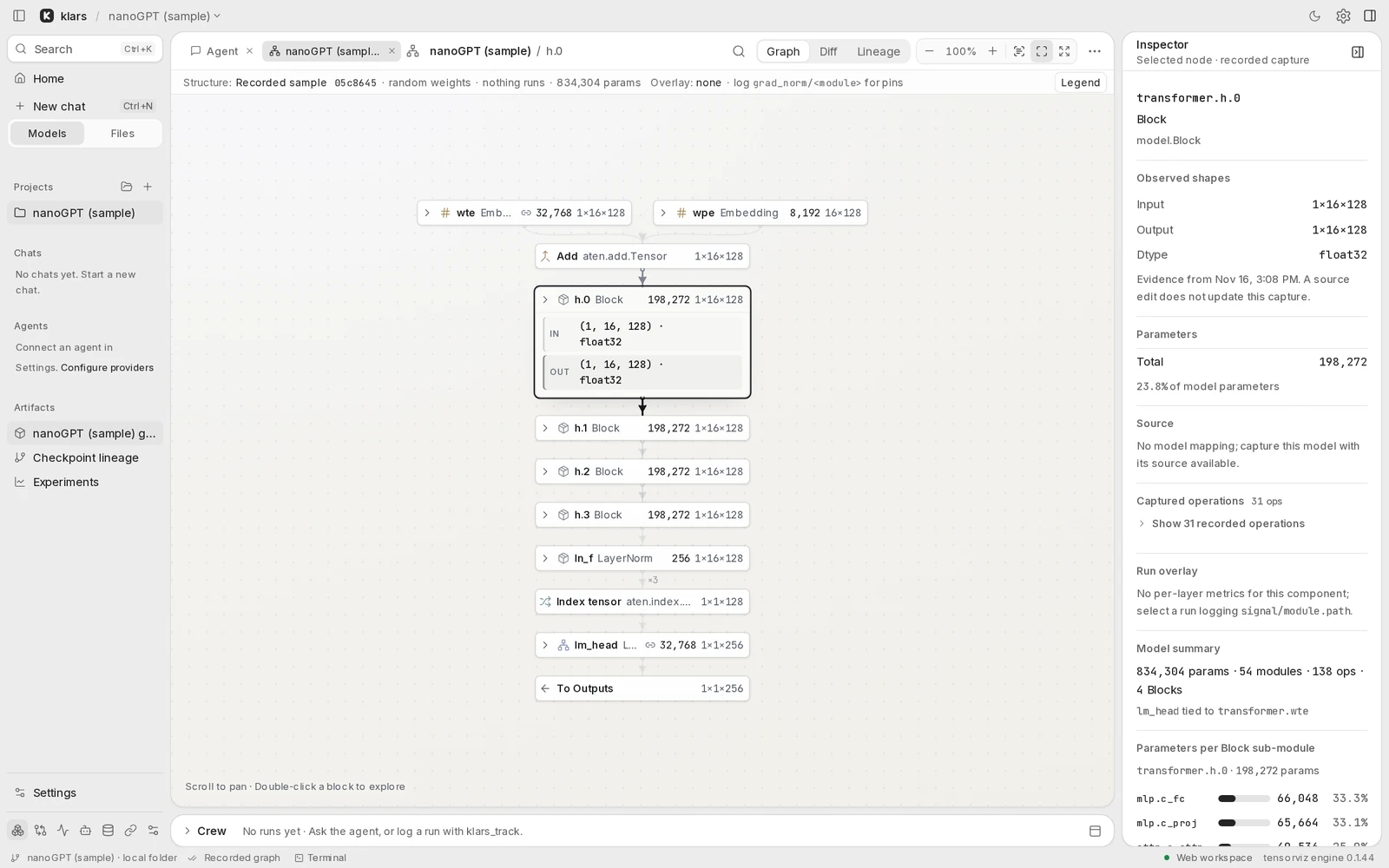
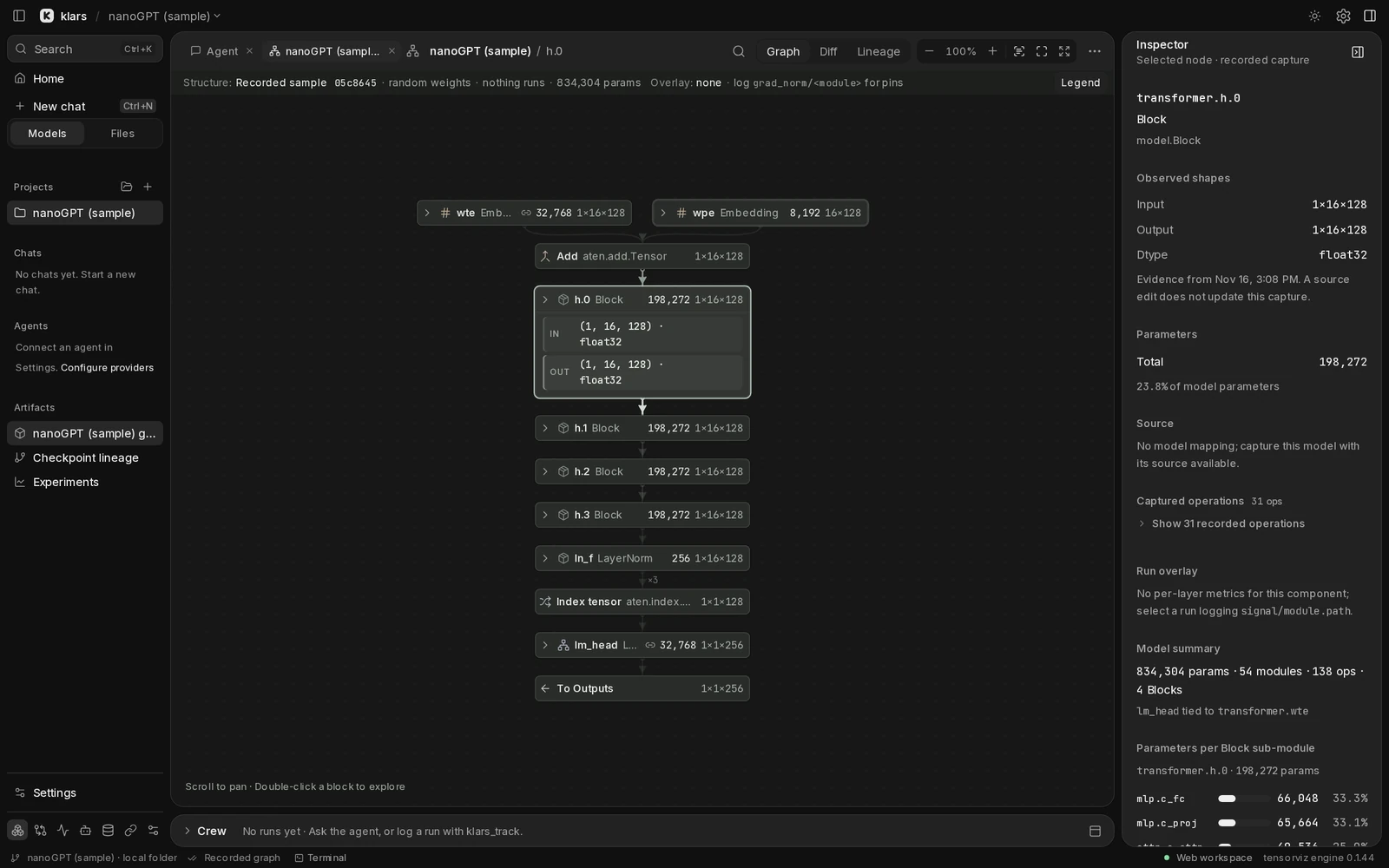
The recorded nanoGPT sample in klars. No model or agent is running. A model is all
Keyboard shortcutsFind your flowSomething stuck?Get back to your work
Know your model.
Build your next idea.
Your guide to model graphs, research agents, and experiments.
One workspace, on your machine.
macOS · Windows · Browser via klars serve
A CLEARER VIEW OF YOUR WORK
From architecture to evidence.
Understand the structure.
Keep the reasoning that matters.
01
See the architecture
Follow tensors through a readable model graph. Expand a block, inspect its shapes, and open the source when you need it.
Explore the graph02
Ask in context
Bring a selected module into the conversation. Follow agent work and review proposed changes in the same workspace.
Work with agents03
Keep the experiment
Log your runs, compare metrics, and connect checkpoints to the decisions that led to your next experiment.
Follow the lineageSTART SMALL. FOLLOW YOUR CURIOSITY.
A model is all
you need to begin.
Explore the recorded sample first, or bring a model you’re already working on.
Open your first project- 1
Open a model
Choose your code, find a model on Hugging Face, or start from a template.
- 2
Follow the graph
See the modules and connections. Select a block to inspect it or ask a question.
- 3
Make the next experiment count
Track a run, compare the result, and record what you learned in Lineage.
KEEP MOVING