
Appearance
A workspace for understanding models
klars brings your model graph, agent conversations, and experiment history into one place. Explore the architecture, ask about a specific module, and keep the results that inform your next change.
Start with the model
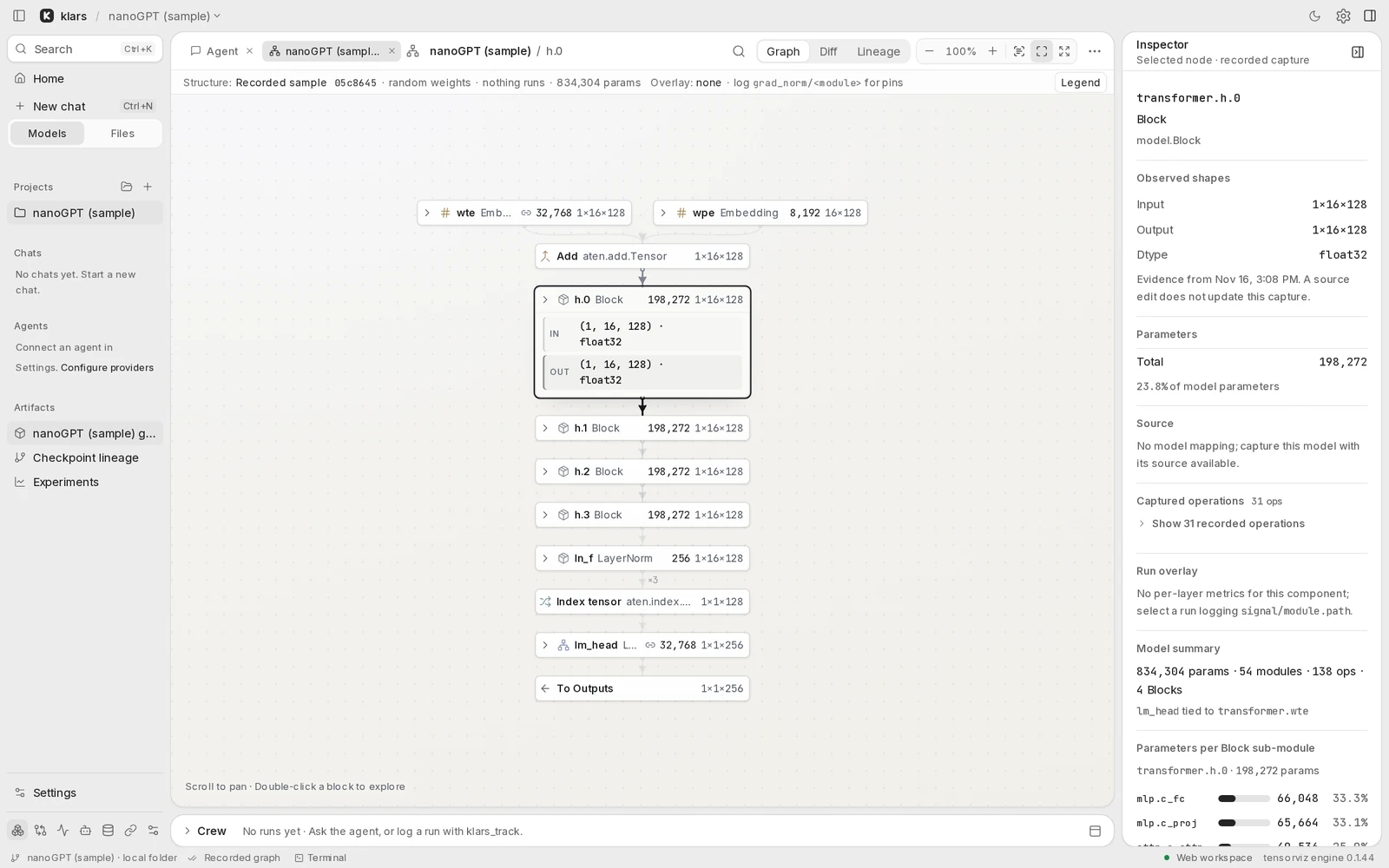
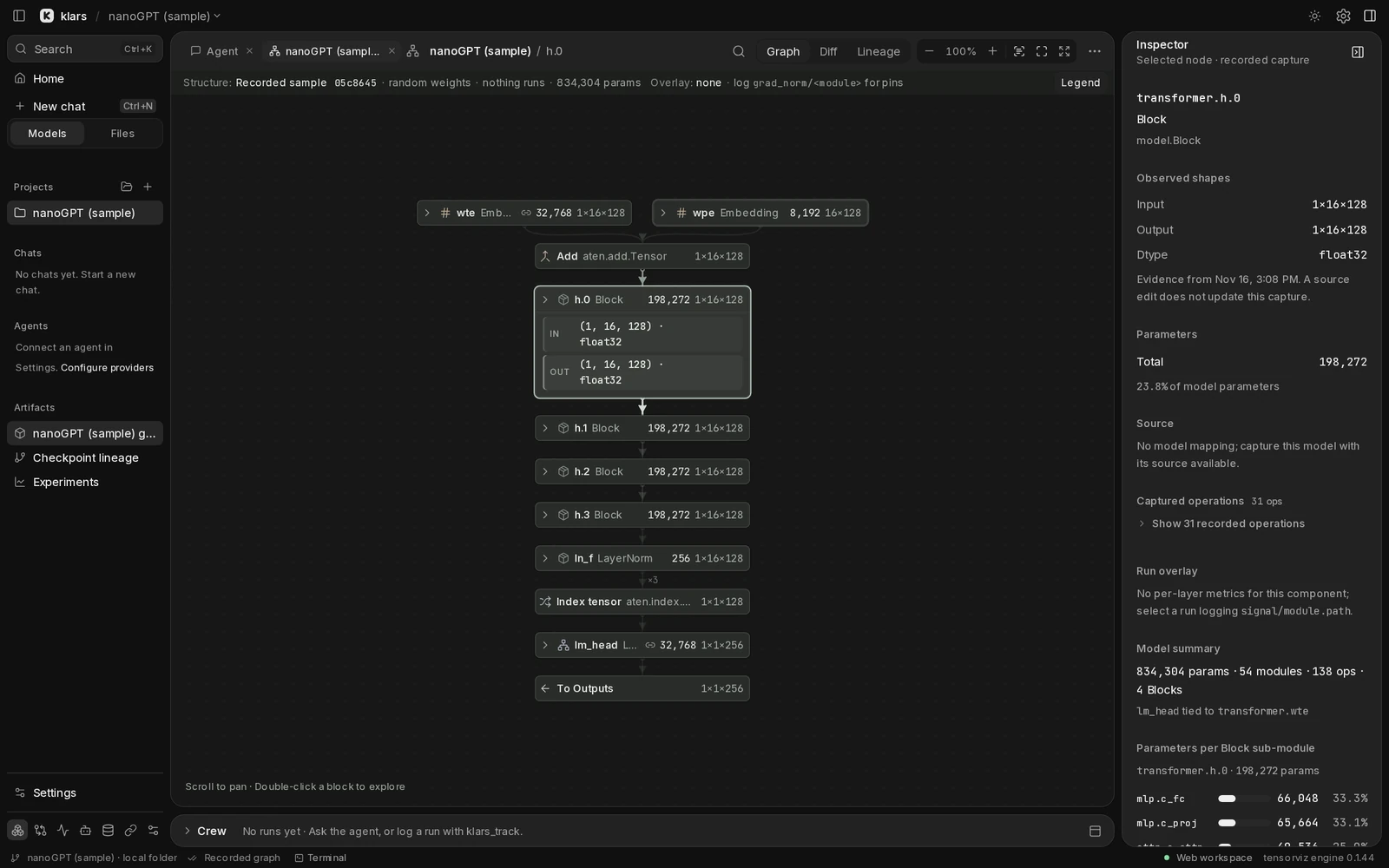
Open a local project, a GitHub repository, a Hugging Face model, or a template. klars draws a graph you can navigate from the whole model down to individual blocks. The inspector connects your selection to shapes, parameters, and available source.
A capture records a model graph for particular inputs. Its labels tell you what the evidence contains: a recorded sample, shapes only, or values from a model execution. A graph does not imply that training has run.
Bring your own environment
The desktop app includes the interface and local service. Python, PyTorch, other model libraries, and model weights are not bundled. Choose the Python environment you already use for your project when you capture a model.
You can explore the recorded sample without running Python or connecting an agent.
Add an agent when you need one
Connect Codex or Claude Code, or configure an OpenAI, Anthropic, or OpenRouter API key. Ask about a selected block, inspect tool activity, and review proposed source changes. Provider credentials stay with the service on the computer running klars.
Agent requests use your chosen provider. Your model files and local workspace are separate from the provider account; local storage does not make an agent request offline.
Keep the evidence
Your training script can report metrics and checkpoint references with the standalone Python tracker. Use Runs to inspect the results, and Lineage to connect runs, captures, and checkpoints. Record what you tried, why, and which result you kept.