
Appearance
Customize the interface
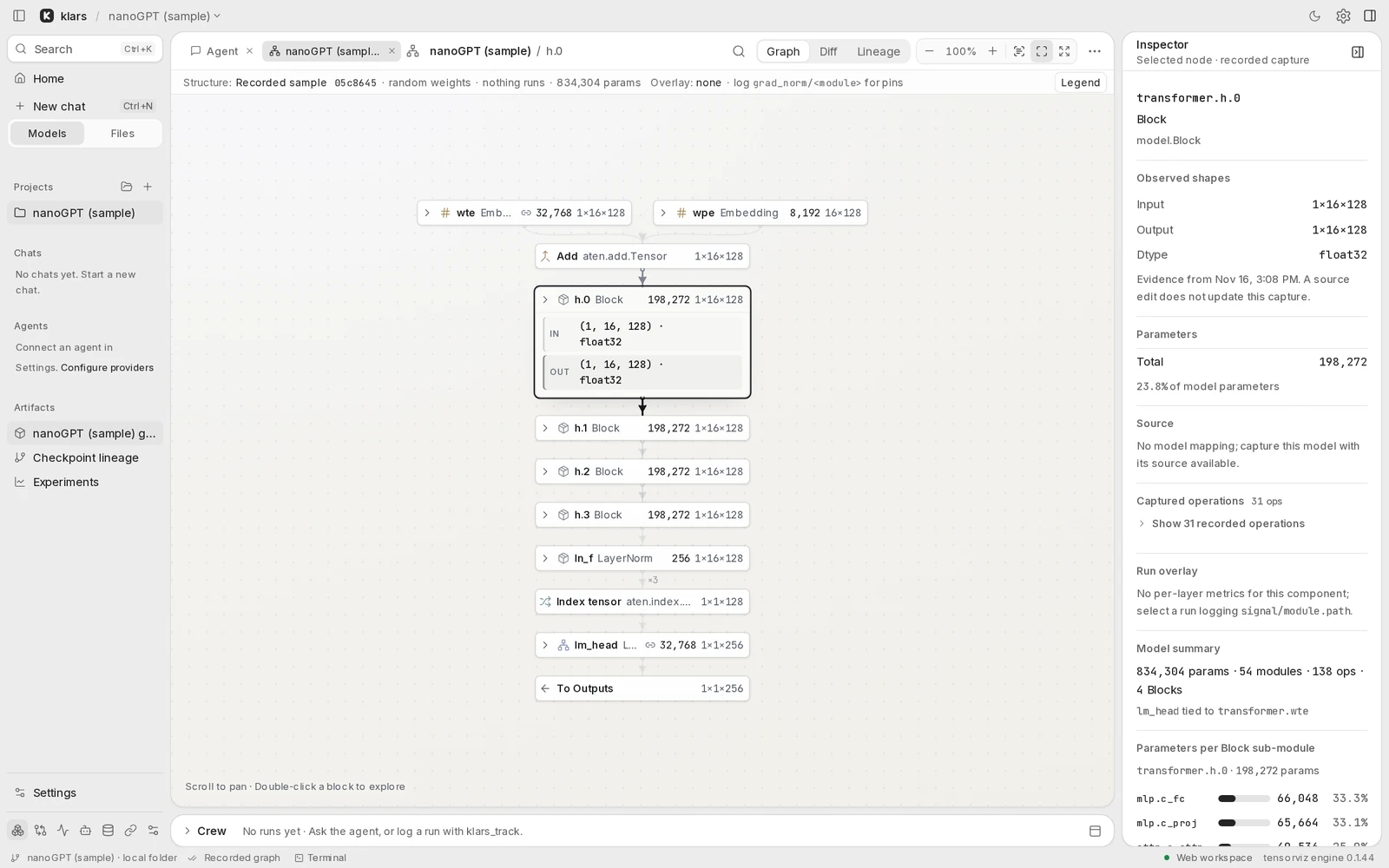
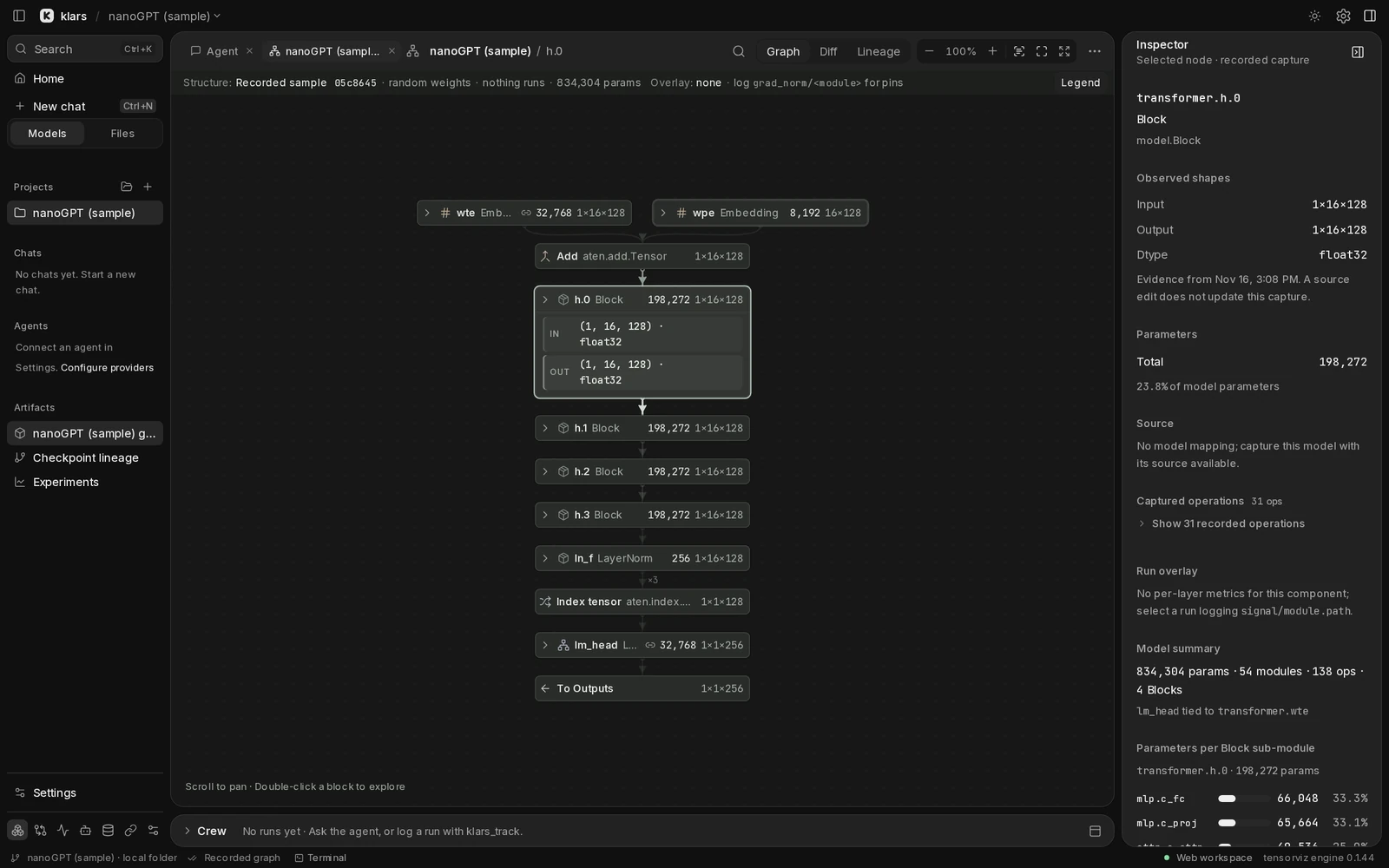
klars starts in the light theme: Silver chrome and a Paper canvas. You can switch to Graphite/Ink, follow your system, or apply your own appearance without restarting.
Choose a theme
Open Settings › Appearance. Chrome theme controls the surrounding interface; Canvas theme controls the graph. Saved choices take precedence on later launches.
Use Switch theme or Switch canvas theme in workspace search for quick changes. Switching recolors the graph immediately in web and desktop.
Arrange the workspace
Pin a panel to keep it open, resize a divider, or choose Model, Split, and Code layouts from Graph actions ⋯. Reset layout in Settings or search restores automatic panels and default sizes.
Ask your agent
In any chat, try:
Use compact density and make the sidebar a little narrower.
The agent can read the current customization and apply an update. The conversation shows the tool call and its diff. Every open window repaints. Ask the agent to undo, or restore a version in Settings.
Edit the files
The default customization folder is ~/.klars/ui/. Settings › Appearance › Customization shows the actual folder, active overrides, and any errors.
| File | Use it for |
|---|---|
theme.json | Accent, color tokens, radii, and per-theme overrides. |
layout.json | Panel widths, density, font scale, and visible lenses. |
custom.css | Additional local styles using stable UI hooks. |
For example, save this as layout.json:
json
{
  "sidebarWidth": 220,
  "density": "compact",
  "fontScale": 1.05
}
Supported width ranges are 180–420 px for the sidebar, 280–520 px for the agent, and 280–440 px for the inspector. Font scale ranges from 0.85 to 1.25. Layout widths apply where the panel is docked rather than a drawer.
For a theme change, override a token for one appearance:
json
{
  "version": 1,
  "variants": {
    "silver": { "radius-panel": "12px" },
    "graphite": { "radius-panel": "12px" }
  }
}
For CSS, prefer stable hooks to internal class names:
css
[data-ui="composer"] {
  border-radius: 12px;
}
Custom styles cannot load remote resources or run code. klars also protects essential recovery controls from being hidden. Invalid files leave the last good version applied and show an error in Settings.
Undo, export, or reset
Customization keeps the last 50 versions. Use Restore on a history entry, Export to save klars-customization.json, or Import to apply a saved customization.
Reset customization returns to the default appearance and offers Undo afterward. If styling makes the browser interface hard to use, open it with ?ui=default to pause customization for that page load, then reset in Settings.